Brilliant does not offer a feature to reset an entire topic at once, but you can reset your progress from a specific point onward.
Still seeing courses, levels, and lessons? We're updating names across Brilliant: courses are now topics, levels are units, and lessons are concepts. Your progress and content stay the same.
Resetting an individual concept
To reset an individual concept:
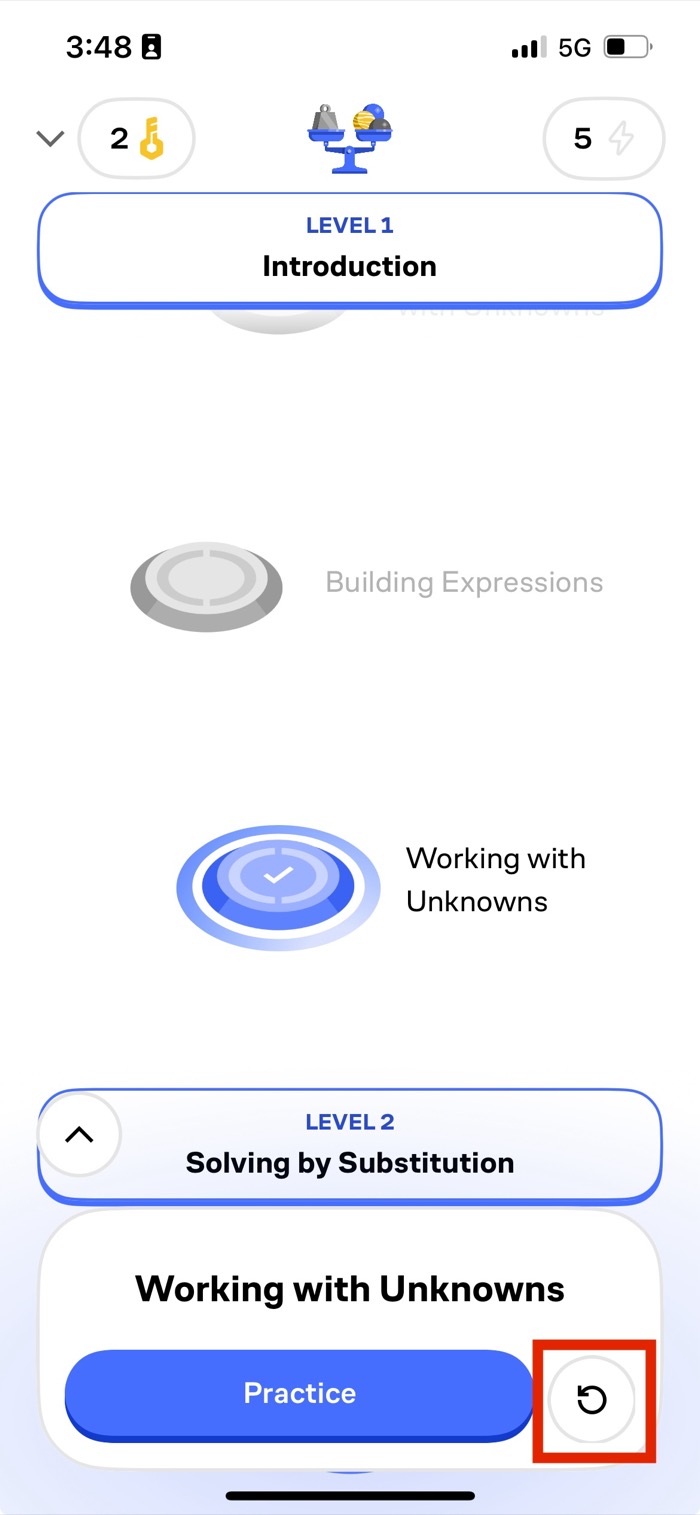
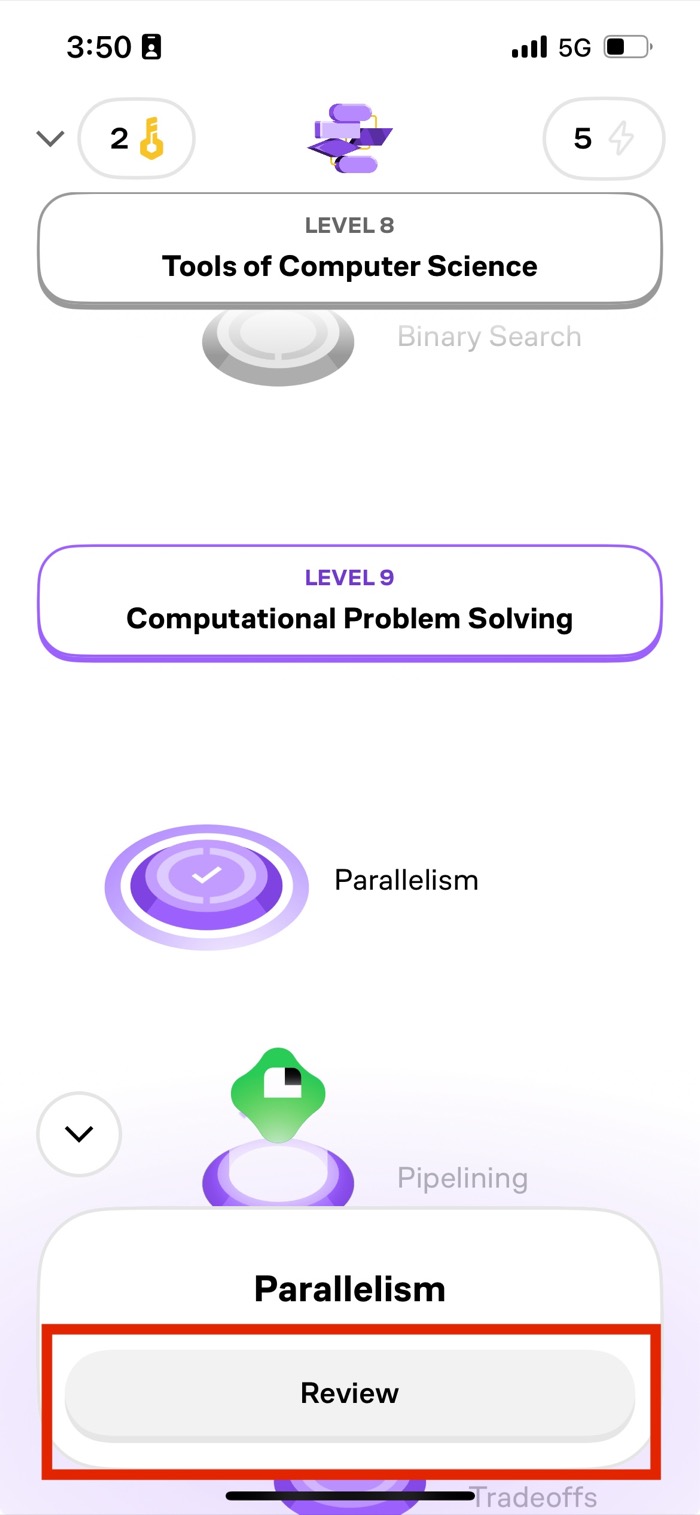
- On the topic page, select the Redo icon or Review button, depending on the topic structure.
- Select Reset lesson.
- Confirm the reset.
Redo icon
Review button
Resetting a unit (web)
On web, you can also reset progress on a unit-by-unit basis. Tap a unit on the topic page and select Reset progress to here. This erases your progress in that unit and every unit after it in the topic — it can't be undone, so use it when you want a genuine do-over from a certain point rather than resetting one concept at a time.
If you have further questions or need assistance, feel free to contact our support team at support@brilliant.org.